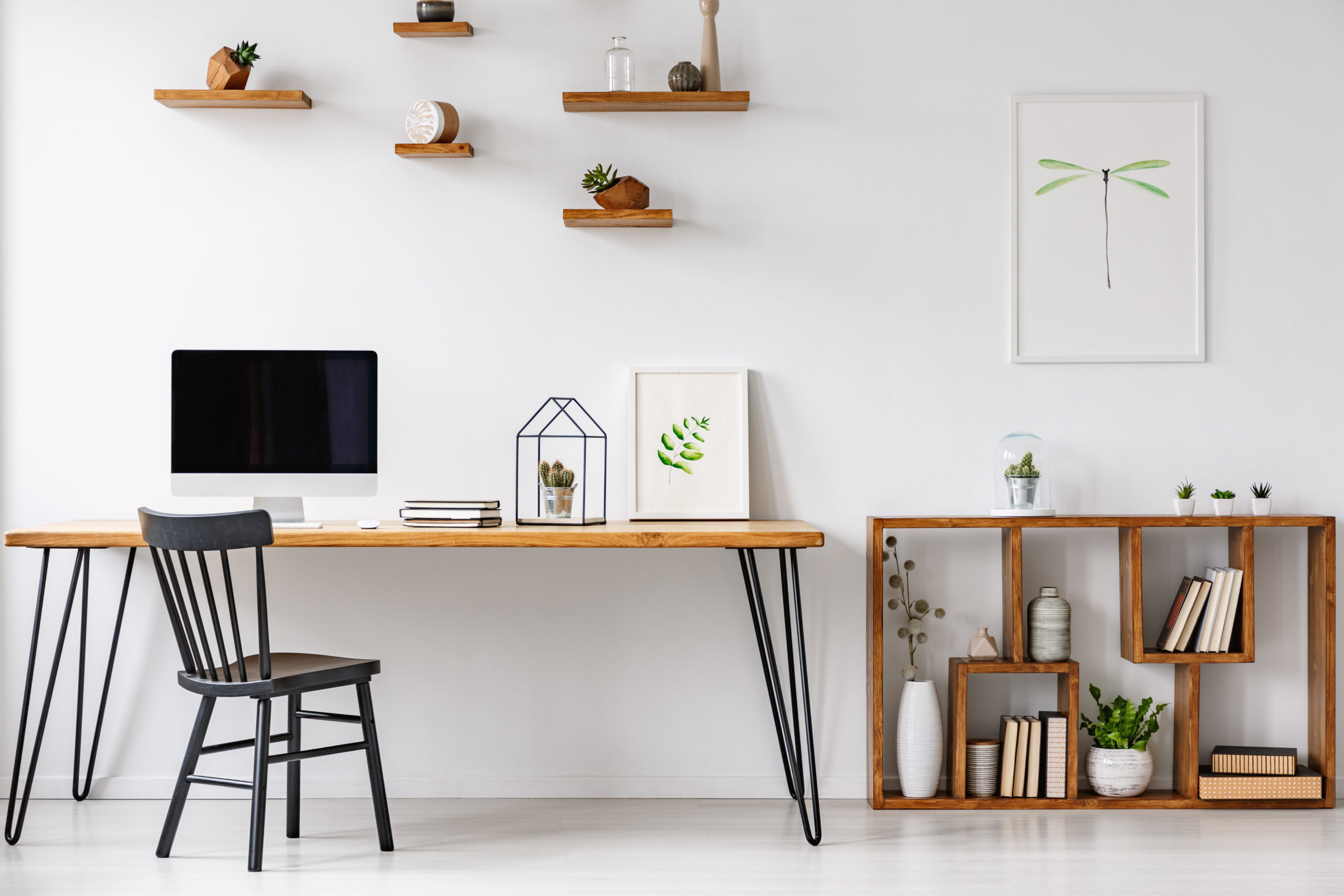
Since working from home is a hot topic right now with everyone practicing social distancing, I thought I’d present a couple of posts about what works for me. I’ve been working from home in some form or another since 2011, and I think I’m starting to get the hang of it. We’ll start with some of the basics of remote work in this post, and in later posts, I’ll dig into the details of home office technology and creating a functional work space.

Help : About
Working from home has this almost mystical quality about it - that office lizards crave, and teleworkers almost take for granted. You can’t beat the commute. For me, it’s down a flight of stairs to the basement. The only time I have to contend with “traffic” is when the cats are sitting on the stairs demanding to be fed.
One common misconception about “working from home” is that it’s something you can do as an alternative to paying absurd sums of money for childcare when you have small children around. Don’t fall into this trap!. It’s literally impossible to focus on both work and kids at the same time. When I started working from home, my kids were 8 and 6. They’re now teenagers. They need supervision (and later, surveillance), and that’s simply not something you can do while working, and still provide the attention either one needs. If you’re splitting your time between kids and work, you’re doing both part-time. Your employer probably won’t be OK with this. If you’re self-employed, your income may also suffer.

Office Space
Make sure you dedicate space for “work” that is distinct and separate from “home”. If you work from the living room couch all day, your family won’t know when you’re “at work” and when you’re “at home”. This can also lead to spending too much time on one, and not enough on the other. Your family probably won’t be OK with this. And whatever you do, don’t ever work from your bedroom. It will be almost impossible to shut off work if you do that. If you’re married, your spouse will definitely not be OK with this. Bedrooms are for resting, not working.
Ideally, your space should have a door that you can close to separate yourself from the rest of the house. If you have the misfortune of living in a big city where living accommodations are reminiscent of concentrated animal facilities, then you may not have the luxury of a separate room. If you need to operate in the corner of the living room, get a divider like a shōji that can delineate that space (or if for some reason you’re feeling particularly nostalgic for cubicle life, you can buy actual cubicle furniture!). Being able to close yourself off is important when you’re on a video call, and it also doesn’t have your living space in the background.
Ideally, your space should also be able to be acoustically separate from the rest of the house. If you do have the kids at home, you don’t want their noise intruding on your conference calls. They also don’t really want to hear your call either.
Remember that the biggest enemies of productivity at home are:
- The Television
- The Couch (or even the bed!)
- The Fridge
Make sure you don’t have any of those in your work space.
I not only don’t have a fridge in my home office, I don’t have a coffee machine or any other beverage dispensing device. Because when I need to get a beverage, it forces me to get up, go upstairs, and move around. Nobody works in the break room. Likewise for bathroom breaks. Moving around periodically is vital. If you have a smart watch that reminds you to do so, take advantage of that feature.

Etiquette
A few points of etiquette:
- If you’re on a call and not speaking, MUTE YOUR MICROPHONE. Always.
- If you’re on a call with video, WEAR CLOTHES, preferably business-appropriate attire. Don’t forget that if you stand up, everyone on the call can see that you’re wearing Hello Kitty pajama bottoms… Or no bottoms at all!
- Also on video calls: Be aware of what’s in the background. Both in your work environment and on your computer desktop. Audio calls, be aware of background noise. See also: Point #1
- Conference Call Bingo: It’s a thing. Don’t be that co-worker that wins it for someone else.
- If you’re the one scheduling the calls, allow time between calls for people to take care of basic physical needs like standing, going to the bathroom, or getting coffee. Nobody wants to be on back to back to back calls all day long. The converse is that you need to allow that same time between meetings when accepting them. Don’t overschedule yourself.
- When you “go to work”, do so just like you would if you were to commute… Get up, exercise if that’s your thing, shower and make yourself presentable, and put on actual clothes. It’s easier to get into a work mindset if you do this.
- Likewise, take a 15-minute break, and an actual lunch break. When you’re not self-quarantining, leave the house and get lunch somewhere local. Your brain will appreciate the break. Take a walk outside.
What are your favorite WFH tips? Leave them in the comments below.
Up next: Teleworker Tech. Stay Tuned!